designerlistings.org
The most comprehensive human-review directory for design-related services
★ Get your own unique FAQ + Selling Points on your profile page
★ be seen by 1000s of daily visitors and win new business
| Software Design and Development | ||||
Convert images to ICO icojet.com
At IcoJet, we provide practical, accessible design tools for graphic designers, web designers, digital creatives and developers who need to produce professional icons for websites, software applications and digital projects.
icojet.com
At IcoJet, we provide practical, accessible design tools for graphic designers, web designers, digital creatives and developers who need to produce professional icons for websites, software applications and digital projects.
Our free online image conversion tools make it easy to transform existing artwork into ICO files, supporting popular design formats including PNG, JPG, GIF, BMP and WebP. Whether creating distinctive website favicons, preparing application icons or adapting visual branding for different digital environments, our tools help designers turn their creative assets into versatile, ready-to-use icon files. We support multiple icon resolutions within a single file, allowing designers to maintain visual consistency across browser interfaces, desktop applications and different screen sizes. Our browser-based approach eliminates the need for additional software installations, while local image processing protects original artwork and keeps design files private. We also offer helpful technical guides covering icon clarity, transparent backgrounds, favicon updates and common compatibility issues. By combining straightforward design utilities with flexible conversion options and practical creative guidance, we help graphic designers and web professionals streamline their workflows, prepare digital assets efficiently and achieve polished results across a wide range of visual design projects. Services Provided by icojet.com at a Glance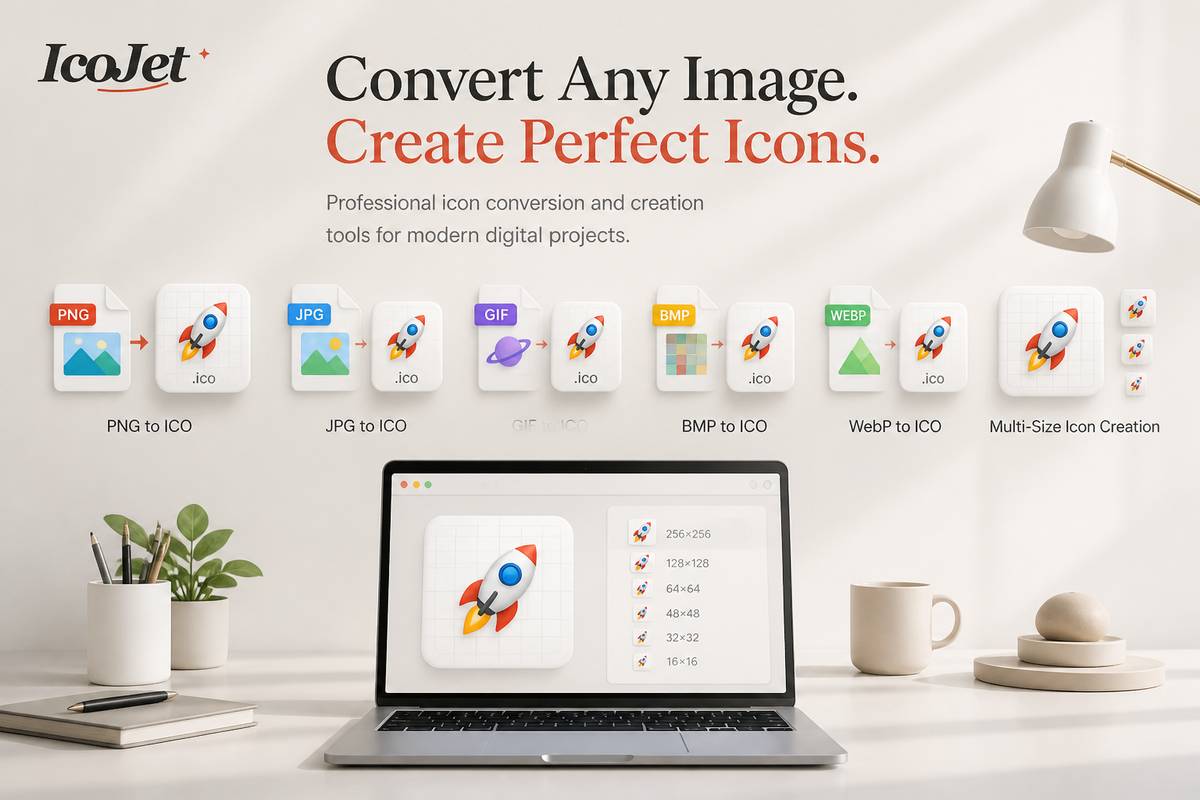
A deeper dive into icojet.comCommon questions asked about www.icojet.com1. What can graphic and web designers create with ICOJet?ICOJet converts a PNG, JPEG, GIF, BMP or WebP image into a downloadable ICO file. For designers, that’s a practical way to turn a finished logo, symbol or other square graphic into an icon for a website or Windows project. The converter can package several resolutions into one file, so browsers and desktop software can select an appropriate size for different contexts. ICOJet focuses on conversion and resizing; it isn’t a drawing or image-editing application, so prepare and refine your design in your preferred graphics tool first.2. Which icon sizes should I select for a design?You can choose resolutions from 16 × 16 up to 256 × 256 pixels, including 16, 24, 32, 48, 64, 128 and 256 pixels. A multi-size ICO gives software options for displaying your design in different contexts: smaller sizes can suit compact interface elements, while larger ones can help on desktop or high-density displays. The best selection depends on where the icon will be used. Designers can select the sizes they need, then change that selection before converting without altering the original image.3. How should I prepare an image for the clearest ICO?Start with a square image, ideally at least 256 × 256 pixels, as ICOJet recommends. A crisp source with clear edges gives the converter a stronger starting point when resizing your design into smaller versions. This is particularly useful for graphic and web designers, since fine details that look good at a large size may become hard to distinguish at 16 or 32 pixels. Consider simplifying the artwork in your design software before conversion, and preview the result at small sizes where possible. ICOJet resizes the image; it does not redesign it.4. Is my design uploaded when I convert an image?No. ICOJet says conversion happens locally in your current browser tab: the selected image is read and processed on your device, rather than being sent to a conversion server. That can be helpful for designers handling client artwork or unpublished visual assets who want to avoid uploading a source image to a third-party conversion service. The page also notes that working data is cleared when you close or refresh it. Your downloaded ICO file remains wherever you chose to save it, so manage that file according to your usual project practices.5. Are there file limits or checks to know about?ICOJet accepts PNG, JPEG, GIF, BMP and WebP images, with a maximum file size of 8 MB and a maximum image dimension limit of 40 megapixels. Square images are recommended for icon work. The converter checks the file format and dimensions, and says that safer or suspicious files are rejected before decoding. If a design won’t convert, check that it uses an accepted format and is within the stated limits, then export a suitable version from your graphics software. This helps keep the conversion workflow focused on preparing a usable ICO download.Some reasons to choose icojet.comCreates Multi-Size Icons in One FileThe converter packages selected resolutions into a single ICO file, giving graphic and web designers a convenient way to prepare icons for different interface contexts.Offers Flexible Resolution ChoicesDesigners can choose from sizes ranging from 16 × 16 to 256 × 256 pixels, making it easy to tailor icons for compact interface elements, desktop views, and high-density displays.Supports Popular Image FormatsIt converts PNG, JPEG, GIF, BMP, and WebP images, giving designers flexibility to start with artwork in a range of common formats.Converts Images Directly in the BrowserProcessing happens locally in the browser, so designers can create an ICO without sending their source image to a conversion server.Provides a Simple Design WorkflowDesigners can select an image, choose the resolutions they need, and download the resulting ICO. The tool also lets them adjust their size selections before converting. |
|
|||
 designerlistings.org reviewer